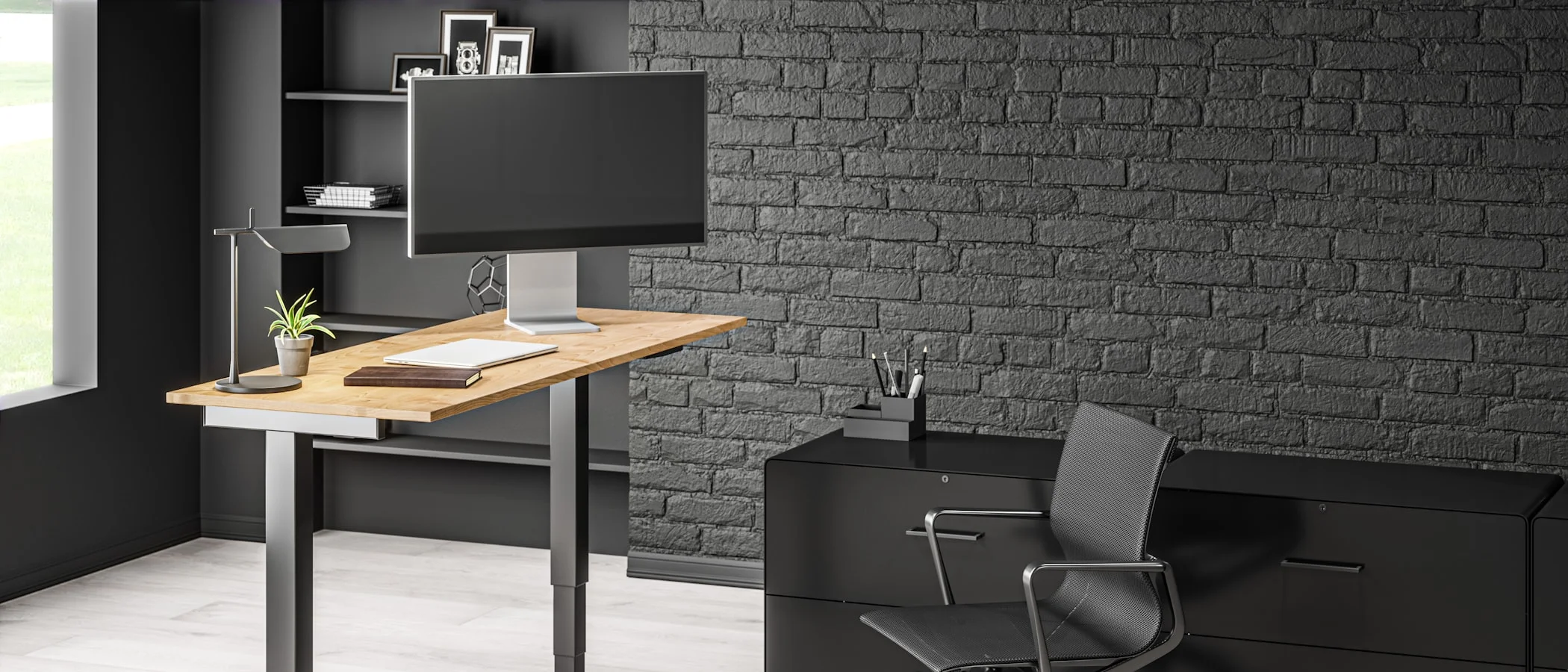
What is the best standing desk under $500?
A FlexiSpot E7-class dual-motor desk is the best overall pick, with a complete desk typically running $350 to $400. If you just want to try standing without committing to a new desk, a $130 to $180 converter or a budget electric desk from ErGear, usually $180 to $230, gets you most of the benefit for less.
Affiliate disclosure: This guide contains affiliate links. If you buy through them, we may earn a commission at no extra cost to you. It does not change what we recommend.
The one-line verdict
A FlexiSpot E7-class dual-motor desk, typically $350 to $400 complete, is the best standing desk under $500 for most people. If you are not sure you will use it, buy a $130 to $180 converter first and find out before you commit to a full desk.
This guide is based on published specs, retailer listings, and reviews from outlets that test standing desks directly, plus owner reviews, not on a hands-on test lab we do not have. Prices move often; check the listing before you buy.
Who this is for
You sit at a desk most of the day and want the option to stand without spending $800 to $1,000 on a premium frame like an Uplift or a Fully Jarvis. This guide is not for anyone chasing a specific niche feature, like a treadmill desk or a desk rated for a triple-monitor arm well over 355 lbs; those buyers should look at premium frames instead.
The honest case for and against a standing desk
Standing desks do one thing well: they make it frictionless to change position during the day. They do not, by themselves, improve fitness or replace exercise, and multiple surveys of standing desk owners have found that actual standing time often lands well under an hour a day, short of the two-to-four-hour range ergonomics guidelines recommend. If you buy a $400 desk and never touch the height button after week one, you have bought an expensive flat surface.
The honest way to think about it: buy a standing desk if you already know you will use presets to change position through the day, not because you hope owning one will build the habit. If you are not sure, a converter is the cheaper way to test that before spending more.
What matters under $500
Stability at standing height
This is the single biggest differentiator between a $200 desk and a $400 desk. A heavier frame, a crossbar, and dual motors all improve stability. If the desktop flexes or the whole desk sways when you type standing up, you will notice it every single day. Reviewers who test multiple desks side by side consistently flag wobble at max height as the main way budget frames disappoint.
Height range
Check the actual published range, not just “adjustable.” If you are under 5’4” or over 6’2”, verify the low and high end fit you specifically; some budget frames do not go low enough for shorter users or high enough for taller ones.
Desktop quality
Many complete desks ship with a laminate top that is fine, not great. If the desktop matters to you, look at buying a frame on its own and pairing it with a separate desktop later; several manufacturers, including FlexiSpot, sell frames without a top for less.
Weight capacity and motor count
A single-motor desk is cheaper but slower and less stable at full extension, and it usually caps out at a lower weight capacity, often under 200 lbs. Dual-motor frames typically support 300 lbs or more, which matters if you are running two monitors on a mount, a dock, and a laptop.
Best overall under $500: FlexiSpot E7-class electric desks
Shop here: FlexiSpot E7-family standing desks on Amazon
Why it wins The E7 family is one of the most consistently well-reviewed dual-motor frames in this price range, generally landing in the $350 to $400 range for a complete desk once you add a desktop, with the bare frame often available closer to $300. It has memory presets, which is the feature you will actually use every day, and enough stability that reviewers routinely name it a top pick for the sub-$500 tier.
The trade-off FlexiSpot also sells the newer E7 Pro and E7 Plus Max, which cost significantly more and push past $500. Do not assume the newer, pricier model is the one to buy here; for most buyers on this budget, the standard E7-class frame is still the right target.
Who it is for Most people setting up a real home office who want dual monitors or a heavier desktop supported without wobble.
Best budget electric desk: ErGear electric standing desks
Shop here: ErGear electric standing desks on Amazon
Why it wins ErGear desks are usually priced from about $180 to $230 depending on size and finish, a meaningfully lower entry point than the FlexiSpot E7 family. That is a fair trade for most single-monitor or laptop-only setups.
The trade-off Single-motor ErGear models generally have a lower weight capacity and less stability at full height than dual-motor desks like the E7. If your setup includes a monitor arm, dual displays, or anything beyond a laptop and one screen, budget the extra $150 to $200 for a dual-motor frame instead.
Who it is for Buyers on a tight budget with a light setup, or anyone who wants to confirm they will use a standing desk before spending more on a dual-motor frame.
Best if you cannot replace your desk: standing desk converters
Shop here: Standing desk converters on Amazon
Why it wins Converters sit on top of your existing desk, typically running $130 at the low end up to around $280 for sturdier dual-platform models. No furniture swap, no assembly of a full frame, and a real option if you rent or cannot modify your desk.
The trade-off A converter takes up desk depth and usually feels less polished than a dedicated standing desk, since you are stacking a riser on an existing surface rather than adjusting one clean desktop.
Who it is for Renters, anyone testing whether they will actually use a standing desk, and buyers who like their current desk and just want the sit-stand option added.
Do not skip this: an anti-fatigue standing mat
Standing on a hard floor for any length of time is one of the fastest ways people quit using a standing desk. A mat, generally $20 to $50, cushions your feet and lower back enough to make standing sessions comfortable instead of something you cut short.
Shop here: Anti-fatigue standing mats on Amazon
How to actually use a standing desk
Set one height preset for sitting and one for standing, so switching is a single button press, not a manual crank. From there:
- Stand for roughly 10 to 20 minutes every hour rather than trying to stand for a full session.
- Sit for anything that needs deep, uninterrupted focus.
- Treat consistency as the goal, not forcing long standing blocks you will not sustain.
A standing desk is one piece of a working setup. If your monitor, chair, and keyboard are not right, the desk will not fix that on its own. Our best desk setup under $500 guide covers the full buying order, and our best office chairs under $300 guide covers the seat you will actually spend more hours in than the desk. If you are furnishing the whole room, our home office setup guide covers the rest of the gear.
The bottom line
Buy it: if you want the safest pick under $500, a FlexiSpot E7-class electric desk, typically $350 to $400, is the best all-around choice for stability and daily use.
Buy the cheaper one: if your budget is tight or you are not sure you will use the standing feature, an ErGear-class desk at $180 to $230, or a converter at $130 to $180, gets you most of the real-world benefit for meaningfully less money. Add a mat either way.
Skip it: if you have tried a standing desk before and rarely used the standing position, do not spend more on a nicer one. The desk was never the problem.

Tech reviews & buying advice
grimtech is an independent tech-review publication. We test and research gear, cut the hype, and give one clear recommendation you can act on. Our rule is simple: trust is the whole business, so we never let a commission shape a verdict, if the cheaper or older product is the right call, that's what we tell you. We earn affiliate commissions when you buy through our links, at no extra cost to you, and that never changes what we recommend.