Transparency: We buy our own products when possible. This review contains affiliate links (like Amazon), which earn us a commission at no extra cost to you. This funds our testing.
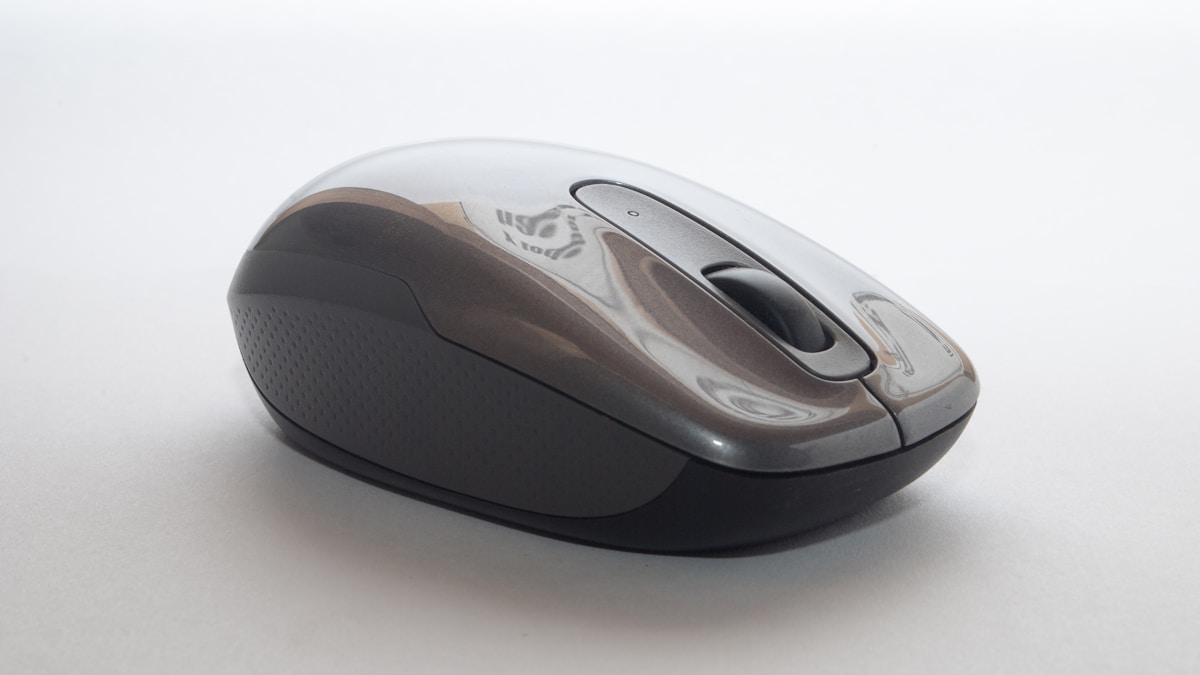
My Wrist Hurt. Then I Bought This Mouse.
Eight-hour workdays. Cheap $20 Amazon mouse. Wrist started hurting after month 3.
Bought the MX Master 3S. Pain gone within a week. Not exaggerating.
$100 for a Mouse? Here’s Why It’s Worth It
| Feature | MX Master 3S | Cheap Mouse | Apple Magic Mouse |
|---|---|---|---|
| Ergonomics | Excellent | Bad | Terrible |
| Battery | 70 days | Varies | 1 month |
| Silent Clicks | Yes | No | No |
| Customizable | 8 buttons | 3 buttons | 2 buttons |
| Price | $99 ($79 sale) | $20 | $79 |
The Magic Mouse is pretty but ergonomically awful. Cheap mice work but hurt your wrist long-term. The MX Master 3S is designed for all-day use.
The Thumb Rest Changed Everything
Most mice force your wrist into an awkward angle. The MX Master 3S has a sculpted thumb rest that keeps your hand in a natural position.
First day felt weird. By day three, felt natural. By week two, going back to a regular mouse felt wrong.
Silent Clicks = Game Changer for Zoom Calls
Regular mouse: *click* *click* *click* Everyone on Zoom hears it.
MX Master 3S: Silent clicks. Zero noise. Your coworkers will thank you.
70-Day Battery Life (Actually)
I charged it 8 months ago. Still at 34% battery. I don’t know how they did this, but it’s absurd.
USB-C charging. 3 minutes of charging = full day of use. You’ll never think about battery again.
Smooth Scroll Wheel (MagSpeed)
The scroll wheel has two modes:
- Ratchet mode: Click-by-click scrolling
- Free-spin mode: Infinite scroll (flick it and it spins forever)
Automatically switches based on scroll speed. Sounds gimmicky. In practice, it’s brilliant.
Works on Glass
My desk is glass. Most mice are terrible on glass surfaces. The MX Master 3S works perfectly. No mouse pad needed.
Who Should Buy This?
✅ Buy if:
- You work at a computer 4+ hours/day
- You have wrist pain or want to prevent it
- You’re on Zoom calls regularly (silent clicks!)
- You use multiple computers (switches between 3 devices)
- You can afford $79
❌ Skip if:
- You game competitively (get a gaming mouse)
- You’re left-handed (this is right-hand only)
- You use a mouse casually (overkill)
Holiday Gift Potential: 10/10
Perfect gift for:
- Anyone who works from home
- Developers/designers/writers
- People with wrist pain
- Remote workers
- Anyone using a crappy mouse
At $79 (sale price), it’s affordable enough to gift but premium enough to feel special.
Final Verdict
The MX Master 3S is the best productivity mouse on the market. Ergonomic design, silent clicks, insane battery life, and it actually fixed my wrist pain.
$100 feels expensive for a mouse. After 8 months of daily use, I’d pay it again without hesitation.
Rating: 4.8/5
Tested for 8 months of daily office work, including 6-10 hour workdays, Zoom calls, and productivity tasks.
📌 The Verdict
The MX Master 3S is expensive for a mouse. It's also the best mouse I've ever used, and my wrist pain is gone. Worth every penny.
Check Price on AmazonThe Good
- Ergonomic design eliminated my wrist pain
- 8,000 DPI sensor is buttery smooth
- Silent clicks (no annoying click noise)
- 70-day battery life
- Works on glass surfaces
The Bad
- $100 is a lot for a mouse
- Not great for gaming (this is a productivity mouse)
- Left-hand users are out of luck